How to Plan a Content Creation Studio Session in Festac
Turn a content idea into an organised studio session with a clear goal, shot list, wardrobe and publishing plan.
A content creation session works best when it is planned around a real publishing goal. The aim is not simply to produce many images. It is to create useful visual material that fits your brand, audience and next set of posts, campaigns or portfolio updates.
Start with the content goal
Decide what the session needs to support. It may be a personal-brand refresh, product promotion, fashion portfolio, campaign, announcement or a bank of images for regular social posts.
Write down the platforms and formats you need. A website banner, vertical Reel cover and square social post require different framing. Sharing that list before the session helps the visual plan include useful variations.
Create a simple shot list
Group the session into a few clear scenes rather than collecting random ideas. For example:
- Clean portraits for profile and website use
- Full-length fashion or outfit photographs
- Seated or working-style images
- Detail photographs of products or accessories
- Vertical compositions with room for text
- A few expressive or behind-the-scenes moments
Prioritise the essential shots. Optional ideas can follow if time and the selected package allow.
Coordinate wardrobe and props
Choose outfits that serve the brand or campaign rather than competing with it. Check how colours work together and whether one outfit can produce several looks through jackets, accessories or styling changes.
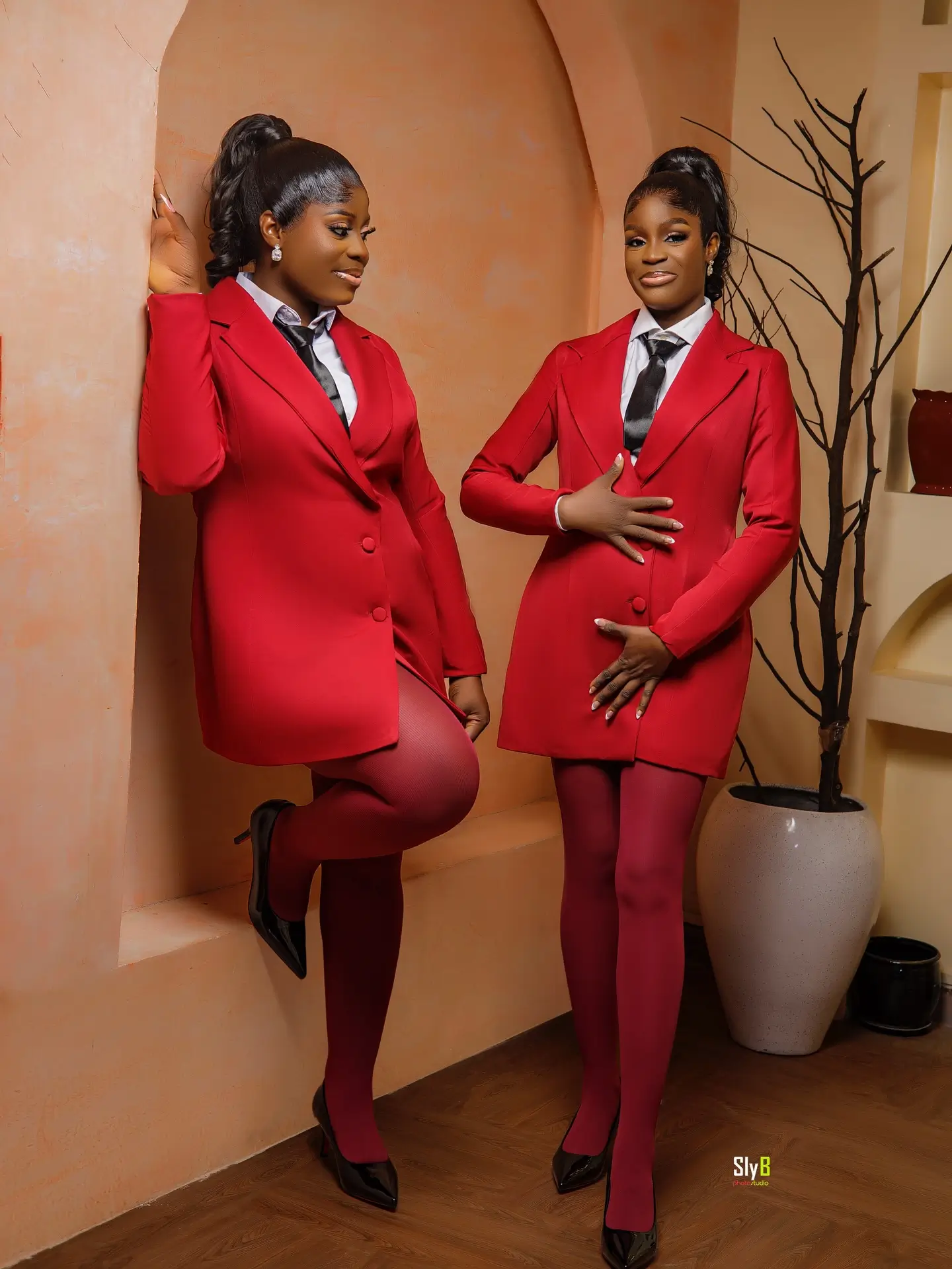
Bring products, tools, books, devices or other props only when they help explain the content story. Confirm any expected studio set, backdrop, prop or equipment before booking. Images previously created in Studio 3 show content possibilities; they are not a guarantee that every visible item is always available.
Prepare references without copying
A mood board can communicate lighting, colour, framing and energy. Use it as a direction, not as an instruction to reproduce another creator's work. Your session should still look connected to your own identity.
Plan for different placements
Ask for a mixture of close, medium and full-length compositions where the concept allows. Consider both portrait and landscape needs. If text will be added later, identify which side of the frame needs clear space.
Decide who will select, edit, caption and publish the content after the session. A folder of photographs becomes more valuable when there is already a plan for using it.
Confirm Studio 3 details
Studio 3 is offered for content creation, but package length, available sets, props, equipment and other operating details must be confirmed directly. Actual setup and styling vary by session and package.
To discuss a content creation session in Festac, visit the Content Creation Studio Rental page or contact Sly B Photo Studio on WhatsApp with your goal, preferred date, number of people and the content formats you need.
Ready to plan your content session?